
A thermostat for AC unit control can make a hot Indian summer much cheaper to live through. But the wall thermostats you see in Western videos will not work on a split AC.
The fix is simpler and cheaper: a small Wi-Fi device that copies your remote. Here are five easy ways a thermostat for your AC unit can help cut your cooling bill.
Quick answer: The right thermostat for an AC unit in India is a Wi-Fi IR controller that copies your remote. Pair it with a 24 °C setpoint, a night setback, geofencing, empty-room cutoffs and a ceiling fan to cut cooling costs without losing comfort.
Which Thermostat for AC Unit Works in Indian Homes?
A Wi-Fi smart IR controller works best for split and window ACs. It plugs into a wall socket, joins your 2.4 GHz Wi-Fi and sends infrared signals just like your remote. Wall thermostats such as Nest, ecobee or Honeywell need a central 24-volt system, so they do not fit.
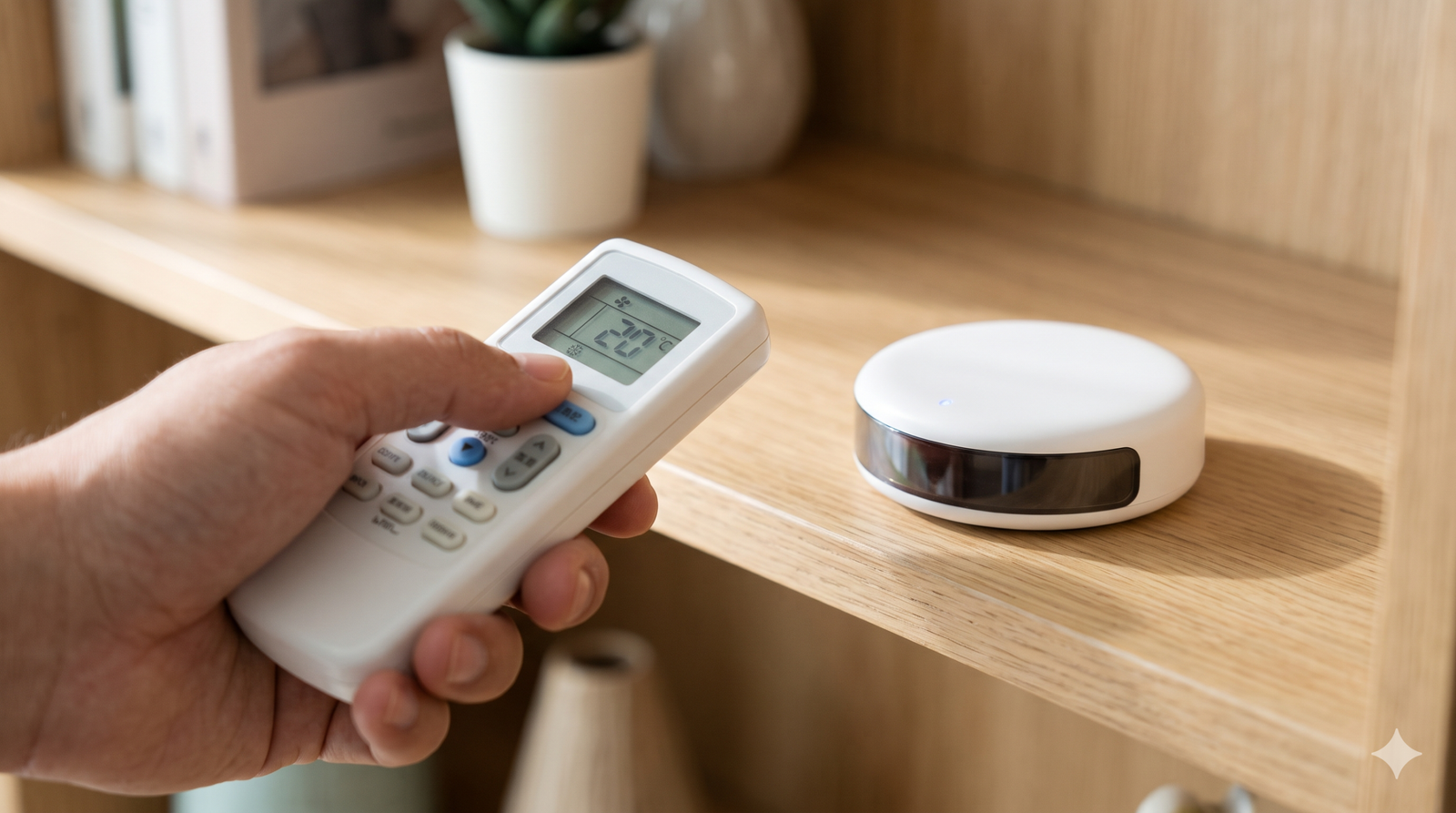
Setup usually takes under ten minutes, which is why this thermostat for AC unit control suits renters too. You point your original remote at the controller so it learns the signals. After that, your phone, voice assistant or a schedule can switch the AC on, set temperatures between 16 °C and 30 °C, and change mode, fan speed and louvre swing.
The controller works by line of sight up to 8 to 10 metres and does not touch the AC’s wiring. That makes it brand-agnostic and renter-friendly, and you can unplug it when you move. It suits ACs that come with a remote, not ducted systems with a hard-wired controller.
| Option | Best for | Sets temperature? | Main catch |
|---|---|---|---|
| Wi-Fi IR controller | Split and window ACs | Yes | Needs line of sight |
| Wall thermostat (Nest, ecobee) | Central ducted systems | Yes | Needs 24-volt wiring |
| Native Wi-Fi AC | Buying a new AC | Yes | Locked to one brand’s app |
| Smart plug | Not advised for ACs | No | Can stress the compressor |
Native Wi-Fi ACs from brands such as LG, Voltas, Daikin, Samsung and Panasonic make sense when you are buying a new unit. But they lock you into one brand’s app and cloud service. Wired smart thermostats suit ducted VRF villas, boiler-heated homes in cold northern belts, and new builds. If you heat with a heat pump, read our air source heat pump guide.
Why Avoid a Smart Plug on Your AC?
A smart plug only cuts or restores power. It cannot change temperature, fan speed or mode. TP-Link also advises against using its plugs with motor-driven loads such as air conditioners, because high start-up current can exceed the plug’s rating and frequent switching may damage the compressor. Always check a plug’s current rating against your AC’s.
How Much Can a Thermostat for AC Unit Control Save?
Savings from any thermostat for AC unit control depend on your setpoint and habits. The Bureau of Energy Efficiency (BEE) estimates that each 1 °C increase in AC temperature saves about 6% of electricity. Moving from 20 °C to 24 °C can save up to 24%. A smart schedule helps you stay at the efficient end.
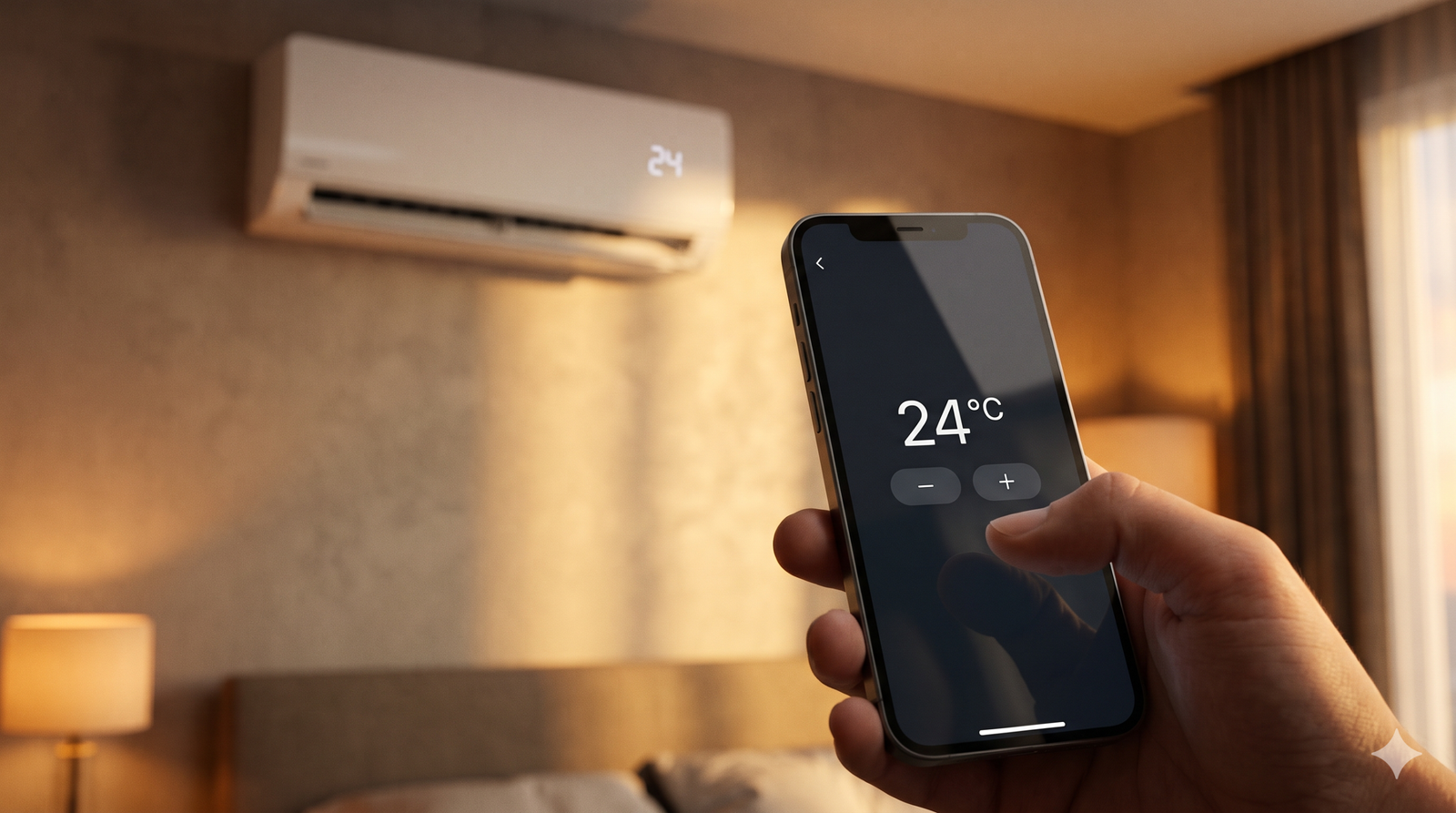
Since 1 January 2020, BEE has required new room ACs to ship with a default of 24 °C. A lower setpoint does not cool the room faster. It only sets a lower target, and the AC then uses more power to reach it. Real savings vary by AC and room.
How Can You Cut Cooling Bills in 5 Easy Ways?
Combine these five habits once your thermostat for AC unit control is set up. Each one removes a common source of wasted cooling.
- Hold 24 °C: set it as your default and raise it further when you can.
- Use a night setback: start at 24 °C or 25 °C at bedtime, then ease up by 2 °C after 1 a.m.
- Turn on geofencing: your phone’s location switches off a forgotten AC and pre-cools the room 10 to 15 minutes before you arrive.
- Cut off empty rooms: a motion sensor or timer can switch the AC off after about 20 minutes in an empty room.
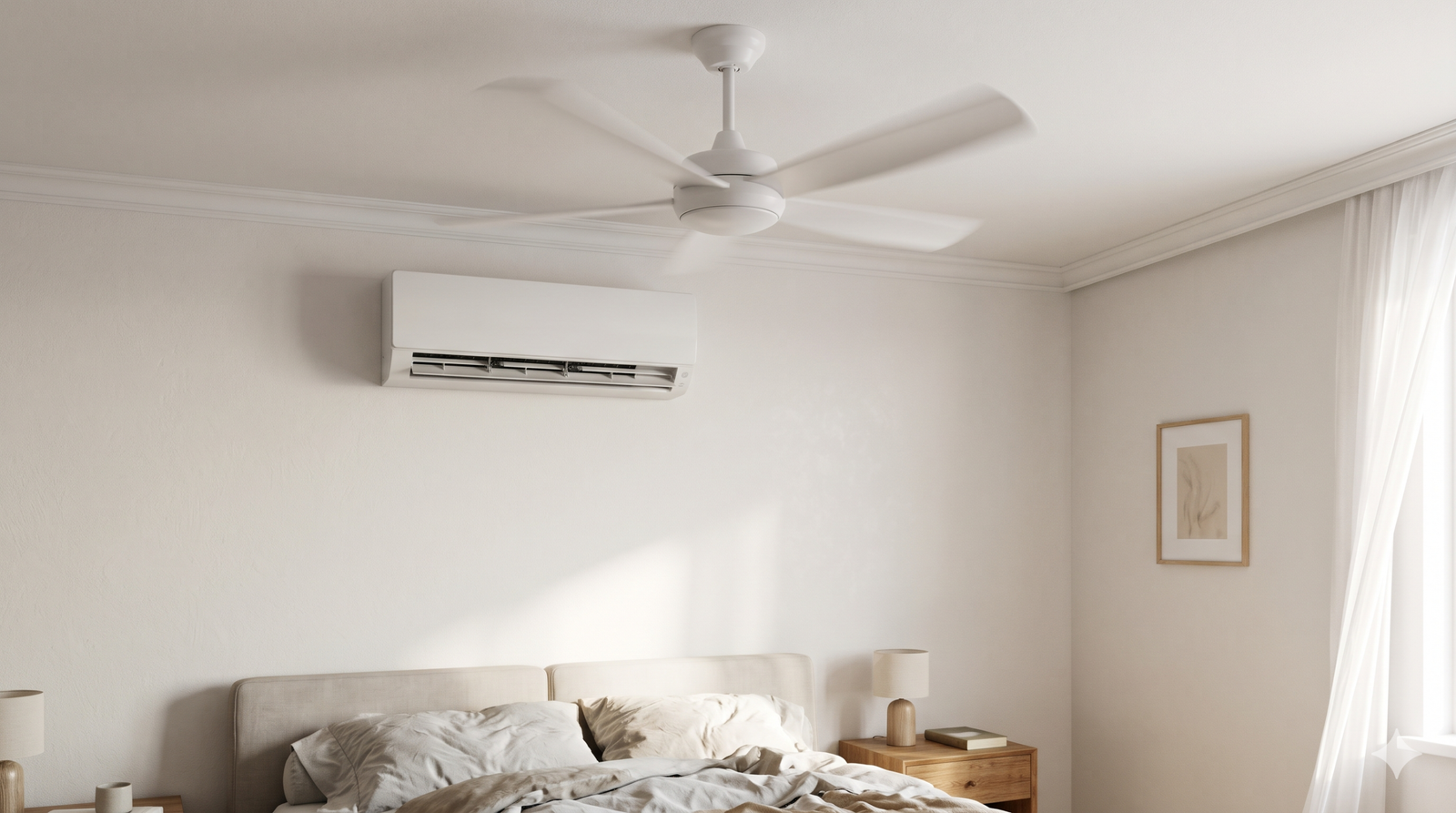
- Add a ceiling fan: a BLDC fan uses far less power than an older induction fan, and moving air makes the room feel cooler at a higher setpoint.
Some controllers also track humidity and temperature together, such as Sensibo’s Climate React and Cielo’s Comfy Mode. They trigger low-power cooling only when comfort thresholds are crossed.
How Should You Install a Smart AC Controller?
Good placement matters as much as the device itself. Follow these steps for a reliable setup.
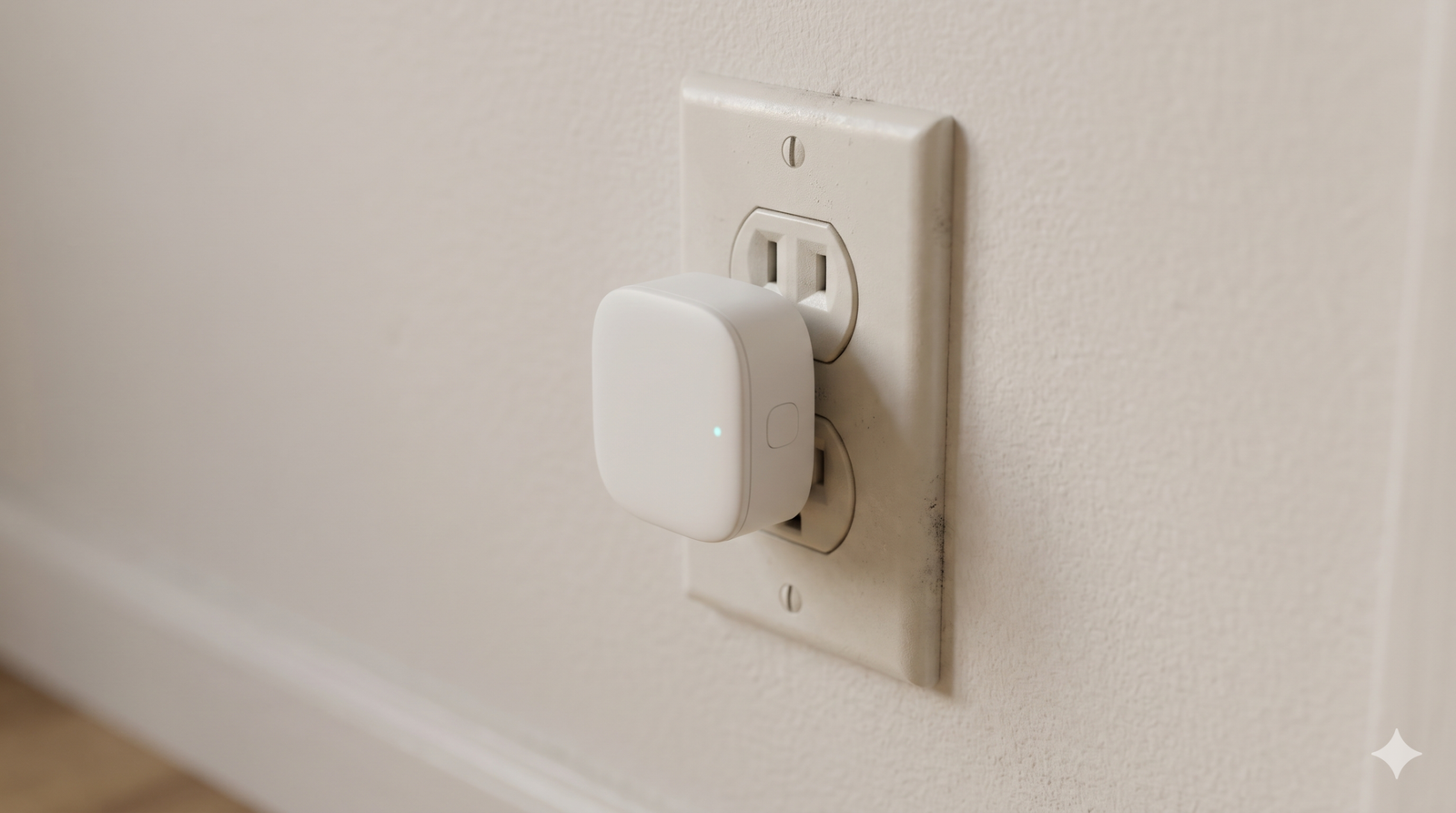
- Place it in direct line of sight of the AC’s receiver, within 8 to 10 metres.
- Keep curtains, doors and furniture out of the signal path.
- Pair it over 2.4 GHz Wi-Fi.
- Avoid extension cords, and check the wall socket for heat or discoloration first.
- Test how your AC behaves after a power cut.
- Clean the AC filters monthly so airflow stays strong.
Pick the Right Thermostat for Your AC Unit
The best thermostat for AC unit control in India is a Wi-Fi IR controller. Set 24 °C as your base, and add one automation at a time. Check your bill after a month to see what works. Keep the filters clean and the controller in clear sight of the AC, and the setup should run quietly for years. Regular servicing of your air conditioning unit matters just as much as any gadget, because a clogged coil or dirty filter wastes the savings your schedule creates. For more gadget ideas, see our list of smart home devices worth buying.
Frequently Asked Questions
Can I install a Nest or ecobee on my split AC?
No. These thermostats need central 24-volt HVAC wiring, and a split AC has none. Use a Wi-Fi IR controller instead.
Is a smart plug a cheap way to make my AC smart?
Not really. It cannot set temperature or mode, and TP-Link warns that motor-driven loads like ACs can exceed a plug’s limits and frequent switching may harm the compressor.
What temperature should I set my AC to?
BEE recommends 24 °C, and new room ACs ship with that default. BEE estimates each extra degree saves about 6% of electricity, though real savings vary.